Performance
Why a Slow Website Loses Cleaning Jobs Before the Phone Rings
Most people search for a cleaner on a phone, often standing in the room they want cleaned. A site that takes seconds to open loses them to whoever opened first.
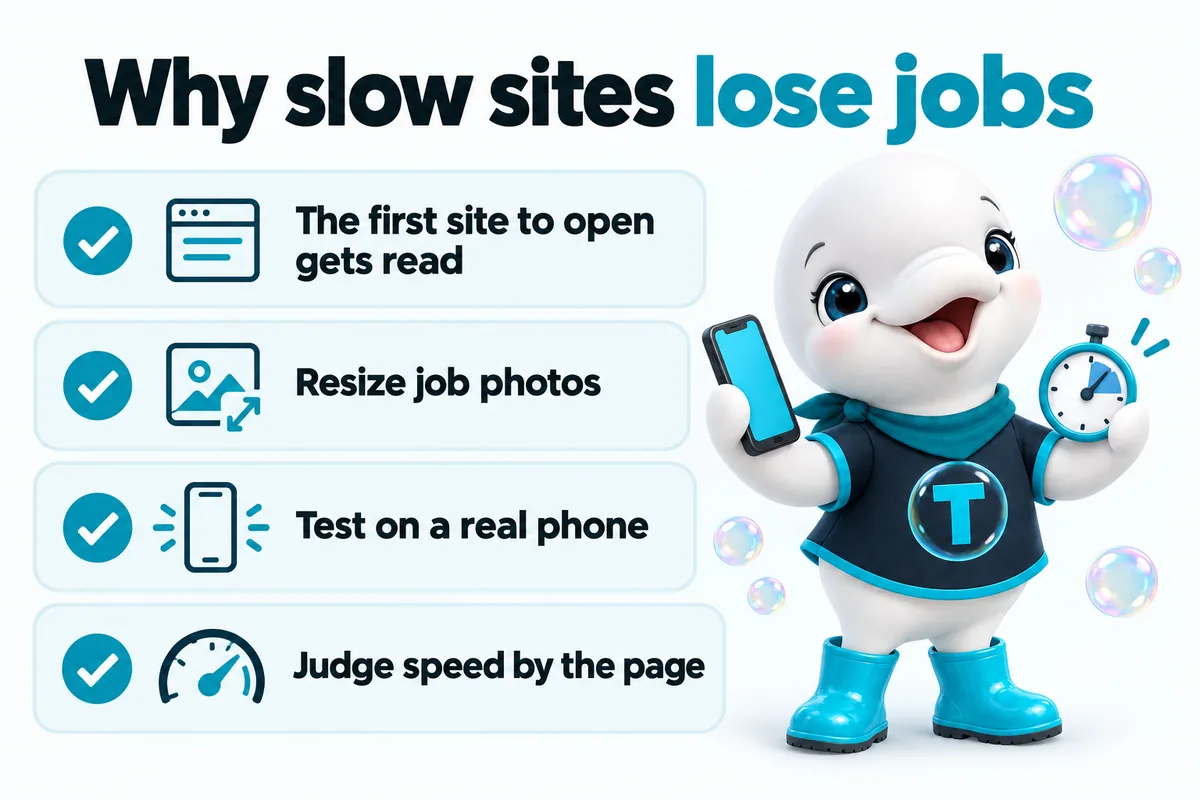
A slow website costs a cleaning company work before anybody has read a word of the copy. The person searching for a cleaner is usually on a phone, frequently standing in the room they want cleaned, and they will open three or four results in quick succession from the same search page. The site that shows something useful first gets read. The others get closed, and closing a tab costs that visitor nothing at all.
That is the whole commercial case, and it is worth separating from the technical conversation about speed that usually surrounds it. Scores, grades and coloured dials are useful as diagnostics, but they are not the point. The point is that speed is the first thing a prospective customer experiences about a cleaning company online, earlier than the reviews, earlier than the service list, earlier than the price. It is the only part of a website that gets judged before it is read.
What “slow” actually means to someone looking for a cleaner
Slow means the gap between tapping a result and being able to read something useful, and for a cleaning company that gap almost always happens on a phone. This is a different definition than the one a developer uses. A developer might describe a page as loading in a certain number of milliseconds under laboratory conditions. A homeowner standing in a kitchen after a burst pipe, or an office manager who has just lost a janitorial contractor, describes it as “it didn’t open, so I went back.”
The behaviour that follows from this is worth picturing honestly. Someone searches for a cleaner. They see a map pack and a list of results. They tap the first one, and while it is opening they tap back and open the second in a new tab. They are not evaluating your website at this point. They are triaging. A page that has painted a headline, a phone number and a photo has entered the comparison. A page showing a blank white screen with a spinner has not.
Research collected on web.dev about why speed matters has consistently found that slower loads correlate with higher abandonment, and that the effect is most pronounced on mobile connections and mid-range devices. For a cleaning company this is not an abstract statistic about e-commerce. It describes the exact moment a quote request either happens or does not.
Why this hits cleaning companies harder than most
Cleaning is a high-intent, locally comparative purchase, which means the searcher almost always has several viable alternatives one tap away. Someone searching for a specialist manufacturer might wait ten seconds for a page, because there are only four suppliers in the country. Someone searching for a house cleaner has a dozen local options and a map full of them. Patience is proportional to scarcity, and cleaning is not scarce.
The same logic applies on the commercial side. A facilities manager sourcing a janitorial contractor or a day porter is usually building a shortlist of three to call, and building it quickly between other tasks. A slow site does not get a considered rejection. It gets skipped, silently, and nobody ever tells you it happened.
What actually makes a cleaning company website slow
In practice, slowness on cleaning company websites comes from a short and very predictable list. It is rarely anything exotic, and it is almost never the hosting.
Job photos straight off the phone
This is the single most common cause. Cleaning is a visual service, so crews photograph their work, and those photos go onto the site exactly as the phone produced them: several thousand pixels wide, several megabytes each, displayed in a box a few hundred pixels across. A gallery of twenty before and after shots handled this way can be heavier than the entire rest of the site put together.
The waste here is total. The browser downloads every pixel of a huge image, then throws most of them away to draw a small one. Resizing those photos to the size they actually display at, and saving them in a modern compressed format, routinely removes most of a page’s weight without any visible difference to the visitor.
Page builder overhead
Drag and drop builders buy convenience with weight. To make any layout possible, they ship the code for every layout, plus the styling system, plus the animation library, plus whatever add-ons were installed for one section two years ago and never removed. Every page carries that payload whether it uses it or not.
This is why a page builder site often feels slow even when its images are fine. The bottleneck is not the pictures. It is the volume of code the phone has to download, parse and execute before it can draw anything, and a phone processor is much slower at that job than the laptop the site was built on.
Third-party chat, review and booking widgets
Every widget added to a page is a request to another company’s servers, and a dependency on their speed rather than yours. A live chat bubble, a review carousel pulling ratings in, a scheduling embed, a social feed: each one is typically a script that must be fetched, parsed and run, and several of them will load further scripts of their own once they start.
These are not automatically wrong. A chat widget that books jobs earns its weight. The problem is accumulation, and the fact that widgets are almost never removed. The audit question for each one is simple and slightly uncomfortable: has this thing produced a job in the last three months, and does anyone actually answer it?
Hero video
An autoplaying video behind the headline is the most expensive decorative choice available on a website. Video files are large, they compete for bandwidth with the content the visitor came for, and on a phone the header is often cropped so heavily that almost none of the footage is visible anyway. A single sharp photograph of a genuinely finished job usually sells the work better, and costs a fraction of the weight.
Fonts
Custom fonts are worth having, and they are also a common source of a page that appears to load and then visibly rearranges itself. The two fixes are boring and effective: load only the weights actually used rather than the full family, and set the font to display a fallback immediately and swap when the custom face arrives, so the visitor reads text during the wait instead of staring at blank space.
Tracking scripts nobody audits
Analytics, an ads pixel, a heatmap tool, a call tracking script, a second analytics tool from the agency before last. Each one is small on its own. Collectively they can add up to more code than the page itself, all of it running on the visitor’s phone while they wait to find out whether you clean move-out properties.
Core Web Vitals in plain language
Core Web Vitals are Google’s attempt to describe page experience in terms of what a visitor actually perceives rather than what a server reports. The web.dev overview of Web Vitals defines three: how quickly the main content appears, how quickly the page responds when touched, and how much the layout jumps around while it settles.
| Metric | What the visitor feels | Good, per web.dev |
|---|---|---|
| Largest Contentful Paint | “I can see what I came for” | 2.5 seconds or less |
| Interaction to Next Paint | “It reacted when I tapped” | 200 milliseconds or less |
| Cumulative Layout Shift | “Nothing moved under my thumb” | 0.1 or less |
Those thresholds come from the web.dev documentation for LCP, INP and CLS, and web.dev notes that each is assessed at the 75th percentile of real page loads, so a site is judged by its typical bad visit rather than its best one. That detail matters more than it sounds. Your own visit, on your own phone, with the site already cached, is close to the best case and tells you very little.
On the ranking question, Google Search Central’s own page on Core Web Vitals is clear that page experience is one signal among many and does not substitute for having relevant, helpful content. Treat speed as something you fix because it wins work, not because it is a lever on the ranking.
Why LCP is the one that matters most on a service page
Largest Contentful Paint measures the moment the biggest piece of content in view finishes rendering, which on a cleaning company’s service page is almost always the headline block or the hero image. In other words, it measures the exact thing the triaging visitor is waiting for: proof that this page is worth staying on.
Layout shift and interaction responsiveness matter, but they matter to a visitor who has already decided to stay. LCP is the metric that governs whether they stay at all. If you can only fix one thing before the next busy season, fix what the visitor sees first, which usually means the hero image, the fonts and whatever scripts are loading ahead of them.
How to test your site properly
Test on a real phone, on mobile data, away from your own wifi, and do it on a page a customer would actually land on. A desktop test on office broadband removes both of the constraints your customers live with, which is why so many owners are genuinely surprised when their fast-feeling site tests badly.
A practical routine that takes about ten minutes:
- Pick the pages that matter, not the homepage. Most search traffic arrives on a service area page or a specific service page, so test those.
- Use a phone you did not build the site on, ideally a mid-range one rather than the newest flagship, because that is closer to what most visitors carry.
- Turn wifi off. Cellular is the real condition.
- Clear the cache or use a private window, so you are not measuring a copy of the site your phone already holds.
- Count out loud from the tap until you can read the headline and see the phone number. Anything past a slow count of three is losing you work.
- Repeat on a competitor’s site in the same conditions, because the comparison is what your customer is actually making.
Lab tools are still useful after that, mainly for telling you which specific file is responsible. But the count-out-loud test on a real phone is the one that changes minds, and it is the one to run before and after any work someone does on your behalf.
The pages where speed converts, and where it merely helps
Speed pays for itself on three page types in particular, and they are worth prioritising in this order.
Service area pages. These are the pages that catch location-specific searches, and they are the most likely to be opened alongside two competitors from the same results screen. They are also the easiest pages to accidentally make heavy, because a template that loads a gallery and a map into every town page multiplies one bad decision across dozens of URLs. The structural case for these pages is covered in our piece on building service area pages; the performance case is that they are frequently the first page anyone sees.
The quote form. The moment of highest intent on the whole site is also the moment most sensitive to friction. A form that appears slowly, shifts while someone is typing, or lags a quarter of a second behind each tap loses people who had already decided to hire someone. This is where interaction responsiveness earns its keep, and it is why an instant quote tool needs to be built into the page rather than dropped in as another third-party embed.
The gallery. Before and after photos do genuine selling work for deep cleans, turnovers, move-in and move-out jobs and post-construction cleanups, because they show a standard of finish that words cannot. They are also, unmanaged, the heaviest thing on the site. That tension deserves its own section.
What to do about a before and after gallery
Keep the gallery and fix how it loads, because the photos are doing real work and removing them costs you more than the weight does. Five changes handle almost every case.
- Resize before uploading. An image displayed at 800 pixels wide does not need to be 4,000 pixels wide. Export at roughly twice the display size for sharpness on high-density screens, and no more.
- Use a modern compressed format, with a standard format as a fallback. The savings are substantial and the visual difference is generally imperceptible at photographic sizes.
- Set explicit width and height on every image. This reserves the space before the file arrives, which is what stops the page jumping as photos land and is the single most common cause of layout shift on a cleaning site.
- Load images lazily below the fold. Only the first image actually in view needs to load immediately. The rest can wait until the visitor scrolls toward them, which most of them never will.
- Cap the number of images per page. Twelve well-chosen pairs sell better than sixty, and a visitor who wants more will click through to a category page. If the gallery is genuinely large, paginate it rather than shipping all of it at once.
The same discipline applies to team photos, equipment shots and certification badges. None of them need to be full resolution, and collectively they are often heavier than the gallery everybody worries about.
How to judge a proposal that promises speed
Ask what will be measured, on which page, and in which conditions, because a speed promise without those three things is not a promise. “Fast, modern website” is a description of an intention. “This service page will reach 90+ on PageSpeed, measured on mobile” is a term you can hold someone to.
A few questions that sort serious proposals from optimistic ones:
- Which page will be tested? A homepage can be tuned in isolation while every service and service area page stays heavy. Ask for the number on a page customers actually land on.
- Mobile or desktop? Desktop scores are always kinder. If the figure quoted is a desktop figure, it is describing conditions your customers are rarely in.
- What happens after launch? Speed is not a one-time state. It degrades as photos get added, a widget gets installed and a tracking script gets pasted in. Ask who is responsible for it in month six, and what happens when you send over thirty new job photos.
- What is being given up to hit the number? A page can be made fast by removing everything that sells. Ask to see the fast version with the gallery, the reviews and the quote form still on it.
- Can they show it live? A score on a slide is a screenshot. A live test, run on your phone, on your connection, during the call, is evidence.
This is the standard we hold ourselves to, which is why a new build or redesign is quoted with a performance target attached rather than a promise of modernity, and why what each plan includes covers the ongoing work rather than the launch alone. A site is fast on the day it ships almost by default. Staying fast through two years of new photos, new service areas and new tools is the part that takes an arrangement.
Where to start this week
Start with the page that receives the most search traffic and the phone in your pocket. Open it on mobile data, count until you can read the headline, and write the number down. Then look at what loaded ahead of that headline: a video, a font file, a chat widget, three tracking scripts, or a photograph that is ten times larger than the space it occupies.
For most cleaning companies, dealing with images and removing one or two unused widgets recovers the majority of what was lost, before anyone touches the underlying build. If the site is on a page builder carrying several years of accumulated add-ons, the arithmetic eventually changes, and rebuilding the pages that matter costs less than continuing to optimise around the weight. Either way the decision is easier to make once you have the number written down.
If you want that number checked against what the same pages could be doing, a walk-through runs the test live on your own site, on your own phone, and on the specific pages your customers land on. Residential and commercial buyers behave differently once they are on the page, which is why the residential and commercial and janitorial breakdowns treat them separately. Neither of them waits around for a page to open.
Sources
Frequently asked questions
How fast should a cleaning company website be on a phone?
Fast enough that the main content appears within the first couple of seconds on mobile data. The web.dev guidance on Largest Contentful Paint treats 2.5 seconds or less as good, measured at the 75th percentile of real visits, and that is a sensible target for any service page a customer lands on from search. The practical version of the test is simpler still: open your own site on your own phone, off wifi, and count out loud until you can read something useful.
Does site speed affect where a cleaning company ranks in Google?
Speed is one input among many, not the deciding one. Google Search Central states that Core Web Vitals are part of its page experience signals and that great page experience does not override having genuinely relevant, helpful content. The more reliable argument for speed is commercial rather than algorithmic. A visitor comparing three cleaners from one search results page reads whichever site opens first, and that happens regardless of how the ranking was decided.
Why does my site score well on desktop but feel slow on my phone?
Because a desktop test on office wifi removes the two constraints that actually shape a customer's experience: a slower mobile processor and a variable cellular connection. Scripts that a laptop parses instantly take noticeably longer on a mid-range phone, and images that download in a blink on fiber arrive far more slowly on patchy mobile data. Test in the conditions your customers are actually in, which usually means a real phone, on cellular, somewhere away from your own network.
Can a cleaning company keep a before and after photo gallery without slowing the page down?
Yes, and the gallery is usually worth keeping because it does real selling work for deep cleans, turnovers and post-construction jobs. The fix is not fewer photos but better ones: resized to the dimensions they actually display at, saved in a modern compressed format, given explicit width and height so nothing jumps as they load, and set to load only as the visitor scrolls toward them. Only the first image in view needs to load immediately.
Is a live chat widget worth the speed cost on a cleaning company website?
Only if someone answers it quickly and consistently. A chat widget is usually third-party JavaScript loaded from another company's servers, so it adds weight and a dependency you do not control. If it books jobs, that is a fair trade. If it sits unanswered over the weekend while quietly slowing every page, a fast quote form and a phone number that someone picks up will convert better for less. Load it after the page content either way.
Want a site like the one described here? Book a demo with GetCleaningWebsite.